Register control & POS
How to Close Your Barbershop Register Without Mismatches: Complete POS Guide
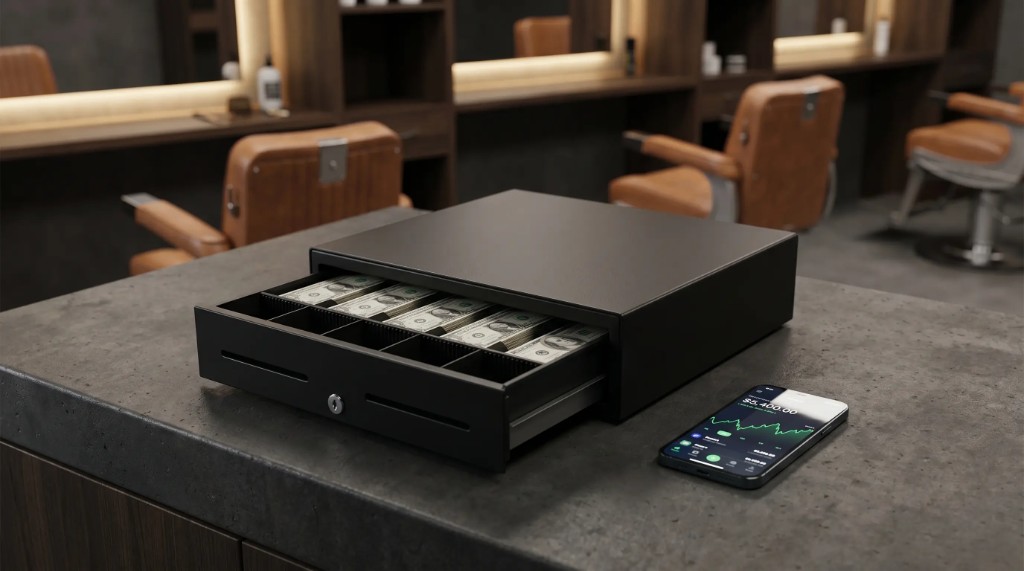
It is 9:30 PM on a Saturday. Your team has left, you are exhausted, and crumpled bills sit on the counter next to dozens of Nequi screenshots on your phone.
You count once, twice, three times... and the money simply does not add up. Cash is missing, or worse, you cannot tell which barber earned each commission.
If this sounds familiar, you are fighting the silent enemy of beauty businesses in Colombia: uncontrolled cash flow.
Managing finances does not have to be a late-night ordeal. This guide shows you how to implement effective POS software for salons and build a reliable process to control your money.
The big headache: reconciling Nequi and cash at the same time
In the digital era, almost no client pays with a single method. Real chaos starts with mixed payments.
- A client gets a premium service, buys wax, pays half in cash and the rest via Nequi or Daviplata.
- No traceability: forgetting a Nequi transfer that hit the owner’s personal phone instead of the business line.
- Mixed supply money: retail product cash not separated from traditional service revenue.
- Ghost tips: confusing extra cash left for the barber with real shop register income.
Step-by-step for flawless barbershop register control
You need a strict daily protocol plus the right technology. Here is how a perfect closing works:
1. Set a fixed register base (simple)
Never start the day at zero. Set a fixed daily amount for change only (for example, $100,000 COP in small bills).
That cash is protected and does not count toward nightly closing profits.
2. Mandatory immediate recording of every transaction
Service finished, service charged and recorded. If you trust yourself to log cuts at end of shift, you are losing money through capital leaks.
3. Atomic validation of payment methods
When a client says "I already transferred," reception must verify the money arrived before they leave.
Fake payment screenshots are common.
The definitive solution: GlowSaaS checkout module
Doing this manually takes hours. Modern barbershop register control belongs in automated software. GlowSaaS turns nightly closing into a one-minute process.
- Appointment completed
- Mixed-payment POS modal
- Register validation
- Automatic stock deduction
- Consolidated closing in one click
- Validated mixed payments (AppointmentCheckoutModal): split cash vs digital amounts per appointment with precision.
- Live sales history: from the Summary tab, audit movements, revenue, and daily profit in real time.
- Inventory sync: charging a service or retail sale updates stock immediately.
How to manage salon money securely (roles and PIN)
Many owners fear delegating the register due to theft or suspicious system edits.
GlowSaaS provides full security. Through role management, receptionists and barbers can only record sales.
To edit old transactions, delete charged appointments, or open the cash drawer, PRO/VIP requires an admin security PIN and logs every action in the Audit tab.
Your money stays protected even when you are not physically at the shop.
Frequently asked questions about money and register in salons
Does the system generate reports for your accountant?
Yes. The software consolidates daily, weekly, or monthly sales by period. Download clean reports ready for accounting or tax review.
What if I run multiple locations? Do registers mix?
They do not mix. Each location has its own independent register. Branch admins see only their numbers; you see a unified view from Global Consolidation.
Can I link digital payment gateways in the software?
GlowSaaS is optimized for Colombia’s financial ecosystem. Record cash, direct transfers, or electronic transactions smoothly in Colombian pesos (COP).
Time to stop losing sleep over the numbers
Your job as owner is to grow your brand—not spend hours frustrated with a calculator and your phone.
Implement real POS software for salons and experience the peace of an automated business.